
Get The App
Install our Progressive Web App (PWA) directly to your device for a better experience.
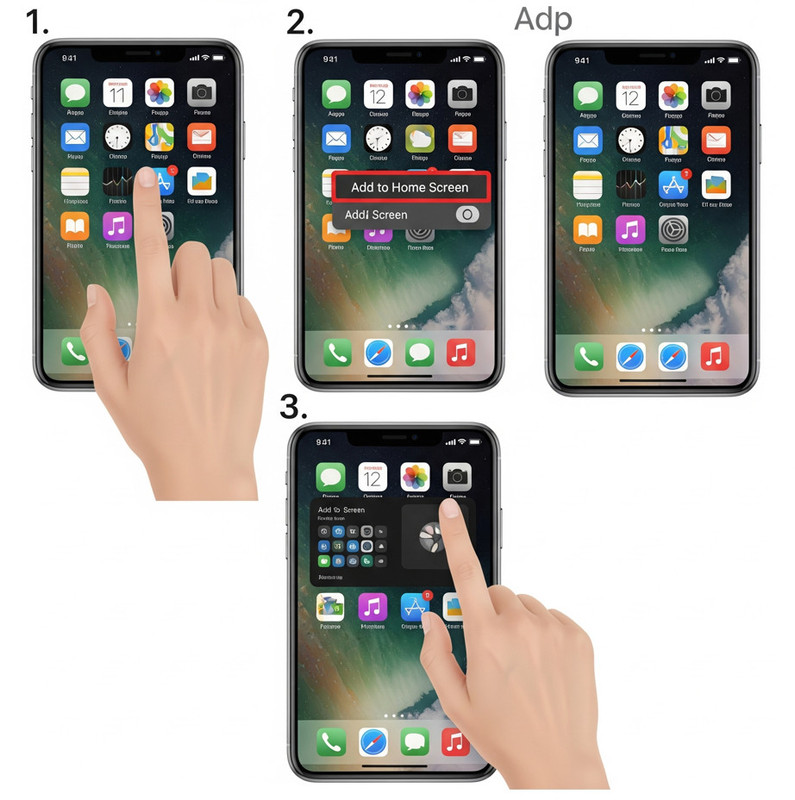
For iOS (iPhone/iPad)
Using the Safari browser:
- Open this website in the Safari browser.
- Tap the 'Share' button () in the toolbar.
- Scroll down and tap 'Add to Home Screen'.
- Confirm by tapping 'Add'.
Important: To receive push notifications on iOS, you must add the app to your Home Screen.
For Android
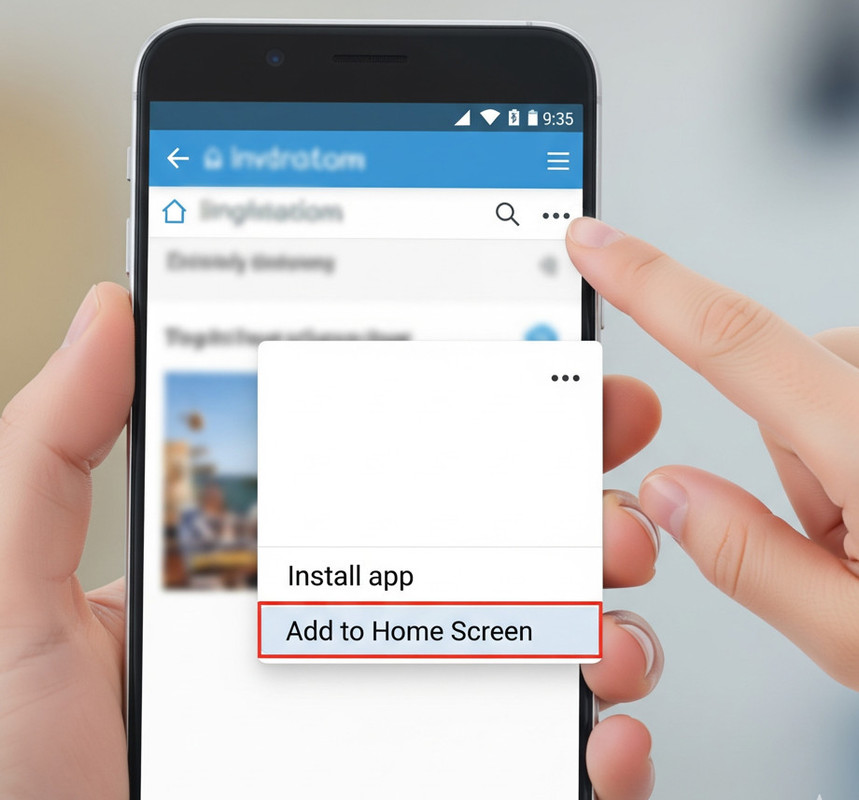
Using the Chrome browser:
- Open this website in the Chrome browser.
- A small banner may appear asking you to "Add to Home Screen" or "Install." Tap it.
- If no banner appears, tap the three-dot menu () in the top-right corner.
- Tap 'Install app' or 'Add to Home Screen'.
Direct Action Shortcuts
Stop digging through menus. Start doing. Conventional apps make you open them, wait for a splash screen, and then find your way to where you want to be. Our App is built differently. We’ve designed it with Direct Action Shortcuts so you can get exactly where you need to go in half the time.
How to use it:
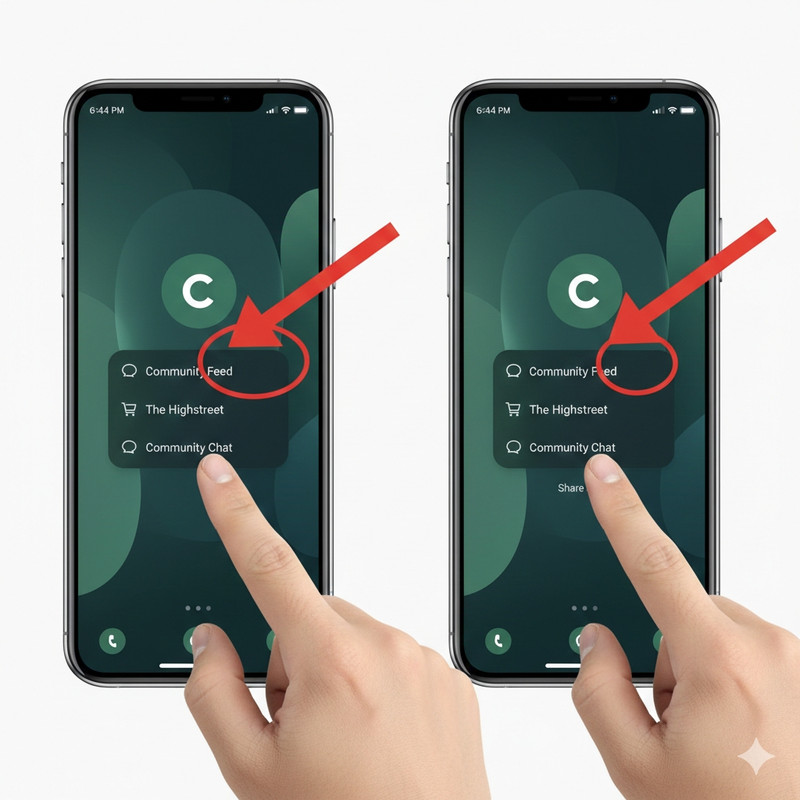
- Long-Press: Touch and hold our App icon on your home screen.
- Select: A menu will instantly appear.
- Go: Tap Community Feed, The Highstreet, or Community Chat to jump straight into the action.